
Updating the maps on a Citroën C4 GPS starts with identifying the multimedia system fitted in the vehicle. Depending on the C4 generation and the type of built-in navigation system, map files, download methods and pricing conditions vary.
Some owners can access an up-to-date map at no cost, while others need to use the official navigation.com store or visit a dealership. The difference comes down to three factors: the original multimedia system, the model year and the length of the map update warranty included with the purchase.
Citroën C4 multimedia systems: map compatibility and access
The Citroën C4 has been sold with several generations of navigation systems. NaviDrive, found in C4 and C4 Picasso models from the 2000s and 2010s, uses physical media (map CDs or DVDs). Later versions feature connected systems that receive updates via USB or online downloads.
Before doing anything, identify the system installed in your vehicle. You can find this information in the central screen’s “About” or “System” menu, and on the label attached to the GPS unit, which is accessible from the glove compartment or boot.
| Multimedia system | Update media | Free access possible |
|---|---|---|
| NaviDrive (RT3, RT4, RT5) | Map CD / DVD | No (disc purchase required) |
| eMyWay / WipNav+ | SD card or USB | Depending on the map update warranty period |
| NAC / connected (C4 III, post-2020) | USB or OTA update | Yes, during the manufacturer’s map update warranty period |
For NAC systems in newer C4 models, Citroën generally includes a period of free map updates starting from the vehicle’s first registration date. Once this period expires, updates are available for a fee through the navigation.com portal.
Getting a free Citroën C4 GPS update therefore depends directly on this time window and the type of built-in system.

Check compatibility before downloading a Citroën GPS map
Downloading an incompatible map file can block the system or simply prevent the GPS from recognising it. Checking compatibility first saves time and, if you’re buying an update, avoids unnecessary expense.
How to check on the navigation.com portal
The official navigation.com website, operated by HERE Technologies on behalf of Stellantis, offers a guided process based on model and year. You’ll need to select the brand (Citroën), model (C4, C4 Picasso, etc.) and then the vehicle’s year.
- Find the exact system reference (RT3, RT4, eMyWay, NAC) in the onboard menu or on the label attached to the unit
- Check on navigation.com that the map product on offer matches this reference and your chosen geographical area (Europe, France only, etc.)
- Check the version currently installed: if it’s the same as the version available to download, no update is available
If the version numbers match, no newer map is available for the system in question. Older NaviDrive systems, for example, have not received new map releases for several years.
NaviDrive: a closed system
C4 and C4 Picasso models equipped with NaviDrive RT3 or RT4 use physical discs. These media are no longer produced for every geographical area. NaviDrive does not receive free updates, regardless of the vehicle’s age. Discs available on the secondary market come from leftover stock or are copies, and may not be compatible.
How to install a GPS update on a Citroën C4
Once you’ve identified and downloaded the correct file, the installation process depends on the media used.
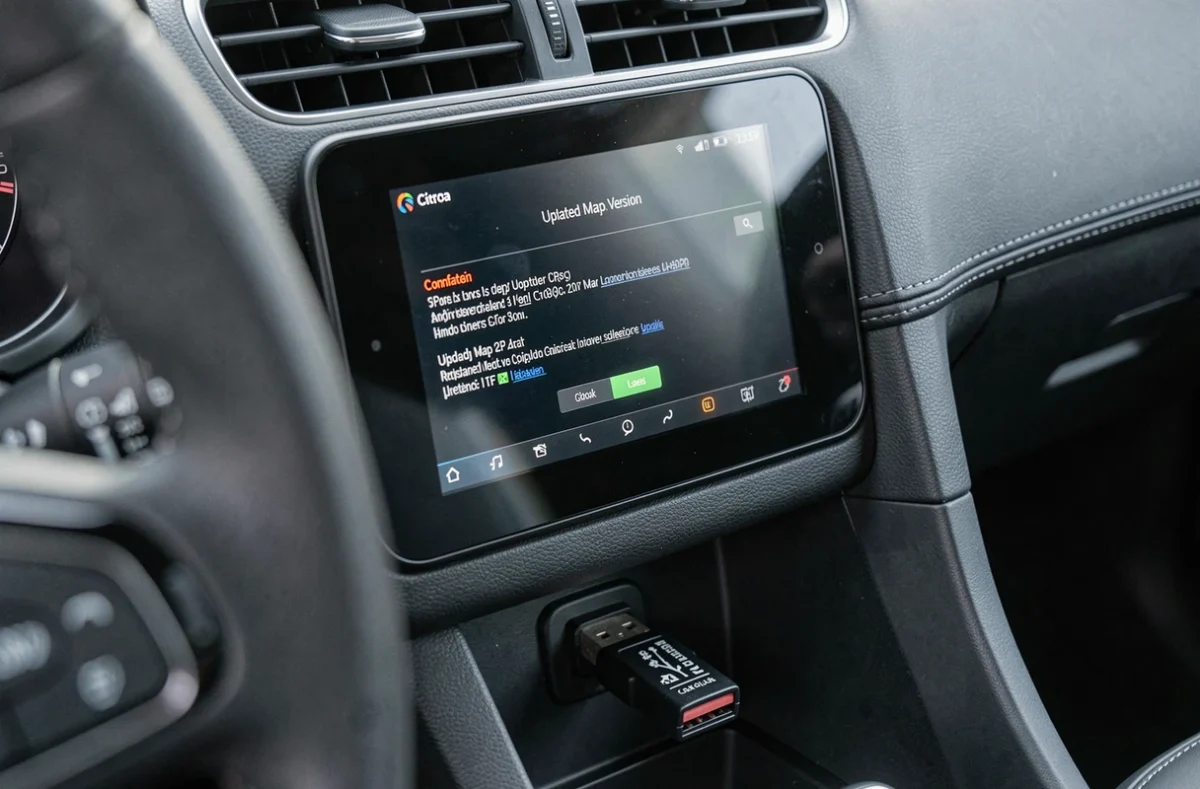
For systems that use an SD card or USB drive (eMyWay, NAC), copy the file to media formatted in FAT32. The GPS detects the file automatically when the vehicle starts. Installation usually takes between twenty minutes and an hour, during which the engine must remain running or the ignition must stay on.
A few precautions can help prevent problems:
- Use a USB drive with enough capacity and no files other than the update
- Do not switch off the ignition during installation, as this could corrupt the system
- After restarting, check that the new version appears in the system menu
- Keep a copy of the downloaded file in case you need to reinstall it
For connected systems in newer C4 models, some minor updates are delivered OTA (over the air), with no manual intervention required. However, full map updates are installed via USB because the data files are too large to download directly over the vehicle’s network connection.
Map update warranty expired: alternatives to the official portal
Once the free update period expires, the price of a map update on navigation.com varies depending on the geographical coverage selected. Maps covering all of Europe cost more than maps limited to a single country.
Visiting a Citroën dealership is another option. A technician checks compatibility and installs the update on site. The cost then includes both the map and labour, making it more expensive than downloading the update yourself.
Map files from unofficial sources pose a real risk: they may be outdated or corrupted, or incompatible with the system firmware. If an installation fails and blocks the GPS, you may need to visit a workshop to have the system reset.
Whether a Citroën C4 GPS update is free comes down to one simple factor: the manufacturer’s map update warranty, which depends on the registration date and the multimedia system fitted in the vehicle. Checking both before you get started helps avoid unnecessary downloads and expenses.